
Smart Security Camera Installation in Toronto & the GTA
XproTech provides smart security camera installation for homes and businesses across Toronto, the GTA, and surrounding communities.
Get help with camera placement, suitable mounting, connections, and supported app features. Whether you want to view your entrance, driveway, garage, or business access points, we plan the setup around your property and equipment.
- Camera Placement Planning
- 15+ Years of Experience
- Clean Installation
- Homes, Condos & Businesses
- Compatible App Setup
- Recording Options Explained
- Complete cleanup after every installation
- Toronto & GTA and Suroounding Areas
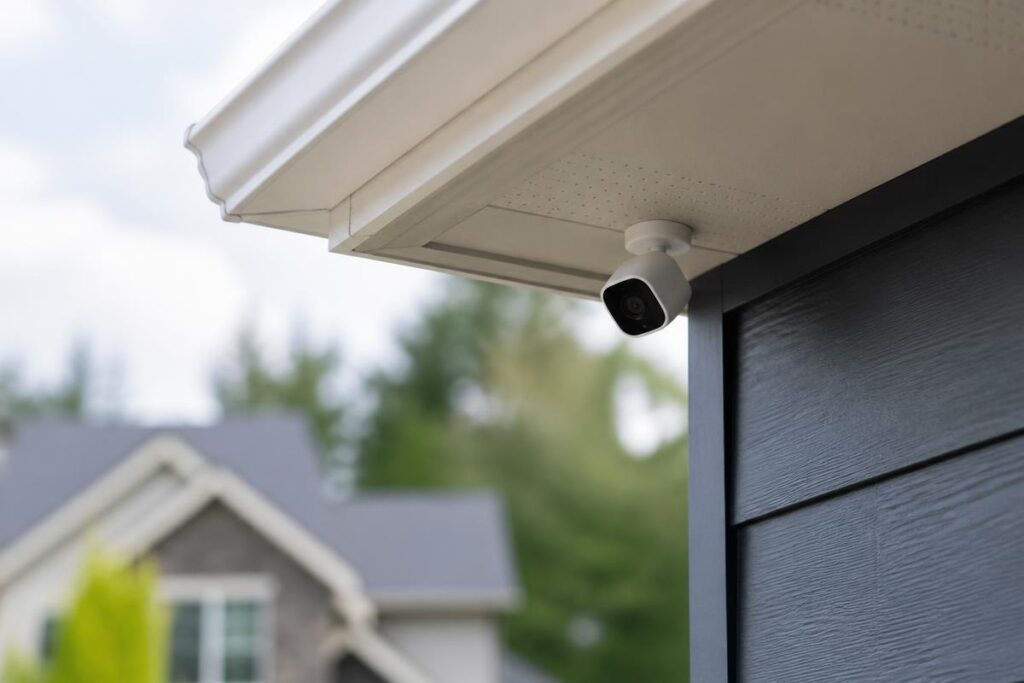
Start With What You Want to See
Before choosing a mounting position, think about what you need the camera to show.
You may want to check who approaches the front door, view a delivery area, or see activity near a garage. A wide overview and a detailed view of an entrance can require different camera positions.
XproTech helps you assess the proposed coverage, equipment, and connection options. We also consider access for cleaning, charging, or maintaining the cameras after installation.
Send your camera models and photos of the areas you want covered to get started.
Camera & Connection Options
Wi-Fi Security Cameras
Wi-Fi cameras use a wireless network connection, but their power requirements vary. Some use batteries, while others need a suitable nearby power supply.
We consider the connection at the proposed mounting position. A camera near the edge of your network may need a different location or a separately arranged network improvement.
Battery-Powered Cameras
Battery models can offer more placement flexibility, but they still need access for charging or battery replacement.
Recording behaviour and battery life depend on the model, settings, activity, and conditions. We discuss these practical details when planning the installation.
Wired & PoE Cameras
Compatible Power over Ethernet, or PoE, equipment can carry power and data through an Ethernet connection.
The installation needs suitable cameras, network equipment, cable routes, and any required recorder. Share the complete system details so compatibility and installation requirements can be assessed.
Video Doorbells
A video doorbell can provide a view of visitors and deliveries near the entrance. Positioning depends on the doorway, camera design, and mounting options.
Wired models also have specific power and compatibility requirements. Existing doorbell wiring should not be assumed suitable without assessment.
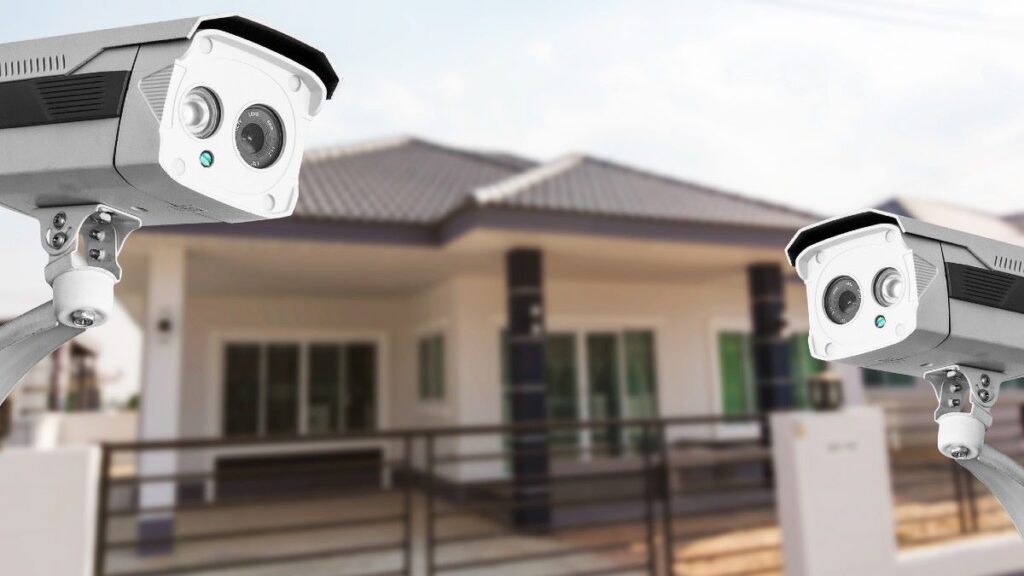
What Your Camera Installation Can Include
Your quote identifies the agreed work. Depending on the system, this can include:
Reviewing the areas you want to monitor.
Planning camera positions and viewing angles.
Mounting compatible cameras or video doorbells.
Routing agreed network or camera cables.
Connecting supported cameras to Wi-Fi, a hub, or a recorder.
Adding devices to your account and naming them.
Adjusting available motion zones and notifications.
Configuring supported recording options.
Checking live view and sample playback.
Showing you how to access the system.
Cameras, accessories, subscriptions, network upgrades, and electrical alterations are not automatically included.
Camera Placement That Matches Your Property
Entrances & Delivery Areas
The camera should show the approach and area you want to view. Door frames, walls, and nearby objects can affect the image, so we consider the actual view before finalising the position.
Driveways & Garages
Tell us whether you want a general overview or a closer view of a particular area. Distance, camera capability, and lighting affect the detail available; a wide view does not guarantee readable faces or number plates.
Side Access & Rear Doors
Narrow passages, fences, vegetation, and nearby lighting may affect coverage. We discuss the intended view alongside mounting access and connection requirements.
Business Entrances & Shared Spaces
Business installations need clear decisions about camera positions, who can access footage, and how the system will be used.
Tell us about property permissions and any relevant workplace or building requirements before booking.
Plan for Lighting, Weather & Maintenance
A useful daytime position may look different after dark. Nearby lights, reflective surfaces, and obstructions can affect the image.
Outdoor cameras must be suitable for the proposed environment and installed according to their manufacturer’s instructions. The mounting position should also allow practical access for maintenance.
Initial checks show how the camera performs under the conditions available during the appointment. Seasonal changes and different lighting may require later adjustment.
App Access, Alerts & Recording Setup
Keep the Account Under Your Control
Use your own account as the system owner. Keep your phone available during setup, and enter your own passwords when required.
Where supported, enable two-step verification and use separate sharing permissions for other users rather than sharing the main login.
Adjust Notifications to Your Needs
Some cameras offer motion zones, sensitivity settings, or different alert types. We help configure the available options around the activity you want to know about.
These settings can reduce unwanted notifications, but they do not guarantee that every event will be detected or every unwanted alert removed.
Understand Where Footage Is Stored
Depending on the system, recordings may be stored on a memory card, hub, network video recorder, or cloud service.
Storage capacity, retention, subscriptions, and recording settings affect how much footage is available. We explain the supported arrangement and check sample playback where recording has been enabled.
Event Recording or Continuous Recording?
Event recording saves clips when the system detects supported activity. The length of clips and the events detected depend on the camera and settings.
Continuous recording captures footage over an ongoing period, but only where the equipment, power, storage, and service plan support it.
Live view, event history, and continuous recording are different features. Tell us which matters to you before buying equipment or choosing a subscription.
Respectful Coverage & Practical Cable Routes
Camera angles should focus on the areas you need to monitor. We discuss positioning to limit unnecessary views into neighbouring or private spaces.
Where the equipment supports privacy masking, it can help exclude parts of the image. Audio recording needs separate consideration and should not be enabled automatically.
Cable planning depends on the property, equipment, and installation environment. For related indoor cable-management work, explore our wire concealment service. Outdoor routes and materials need their own assessment.
New outlets and changes to fixed electrical wiring are separate from camera mounting and setup.
Already Own Cameras or Have an Existing System?
You can request installation of equipment you already own. Send the camera, hub, and recorder model numbers, along with any accessories supplied.
If you are adding cameras to an existing system, compatibility needs checking. Products from different brands—or even different ranges within one brand—may not work together.
Previously used cameras may need to be removed from another account before they can be added to yours. Make sure you have authorised account access and any required device details.
How to Arrange Your Installation
01
Share Your Equipment & Coverage Goals
Send your location, camera models, number of cameras, and photos of the proposed areas. Explain what you want each camera to show.
02
Review Positions & Connections
We discuss mounting options, power, network access, cable routes, and recording requirements. Some conditions may need checking on site.
03
Confirm the Work & Materials
Your quote sets out the agreed installation, setup, and supplied materials. Subscription charges, network changes, and additional work should be clarified separately.
04
Install, Configure & Check
The agreed cameras are mounted and connected. We check supported functions with you and explain how to access live views, recordings, and relevant settings.
What Affects Security Camera Installation Costs?
Pricing depends on the property and system. Factors include:
The number and type of cameras.
Mounting height, surface, and access.
Cable lengths and routing requirements.
Available power and network connections.
Hub or recorder configuration.
Existing equipment that needs reconnecting.
Additional brackets and installation materials.
XproTech can help select and bring suitable mounting accessories and necessary materials by arrangement. Supplied items are confirmed in your quote.
Serving Toronto, the GTA & Surrounding Communities
XproTech installs smart security cameras in Toronto and nearby communities, including Mississauga, Brampton, Vaughan, Richmond Hill, Markham, Oakville, Burlington, and Milton.
Check our service areas for wider coverage, or send your postal code to confirm availability for your project.
Smart Security Camera Installation Questions
Yes, subject to equipment suitability and the installation requirements. Send the model numbers, quantity, and any hub or recorder details. Include photos of the proposed locations so we can assess the connections, mounting accessories, and access needed.
Some do. “Wireless” may describe the network connection rather than the power supply. Battery-powered models need charging or replacement batteries, while other Wi-Fi cameras use a power adapter. Check the requirements for your specific model.
Not always. Some systems support local recording, while others charge for cloud storage or additional features. Subscription requirements depend on the manufacturer and plan. Installation fees do not automatically include ongoing subscription costs.
That depends on the system. Some may continue recording locally, while remote viewing, cloud uploads, and notifications can be affected. Power loss is a separate issue. We can explain the supported behaviour of your equipment without assuming it has backup capability.
We can assess compatible video doorbell installations. Send the model, a photo of the entrance, and details of any existing doorbell. Wired units may require separate checks of the power supply and chime compatibility.
Potentially, but permission and building rules need to be checked first. A camera outside your unit may face shared areas or attach to common property. Confirm approval with the relevant owner or management before arranging the installation.
No. This service covers the agreed installation and setup. Continuous human monitoring, alarm response, and emergency dispatch are separate services and should not be assumed included.
Have the cameras, supplied accessories, model details, and your phone available. Make sure you can access the intended account and Wi-Fi network. Charge battery-powered devices where appropriate and confirm any property permissions beforehand.
Ready to Set Up Your Cameras?
Tell us which areas you want to view, what equipment you have, and where the property is located. Photos help us understand the job and prepare your quote.
Have a question first? Contact XproTech or explore all installation services.